
Sabine County Warrant Search Steps
There is no public Sabine County Sheriff search form that checks every court. Call the Sheriff’s Office at 409-787-2266 for county-held information, then contact the court named on the notice. The proper first office may be a district or County Court clerk, JP Precinct 1 or 2, Hemphill Municipal Court, or Pineland Municipal Court.
Have the citation or cause number, court date, and issuing place ready. If the question is about your own record, give only the information the official office needs. Ask which status it can confirm and who controls recall or clearance.
- Read the notice for the issuing court, precinct, city, and case number.
- Call the court clerk to ask if a warrant is active or if another step is due.
- For JP citations, follow the official county link to GovRec, then verify with the precinct clerk.
- Call the Sheriff for county-held information; use a written request for records not online.
- Check the Texas FTA system only for a license hold, not as a warrant search.
Sabine County Sheriff Warrant Search Limits
The official Sheriff page publishes a general phone, an open-records email, and a mailing address. The reviewed page has no public result table, warrant search button, update date, or named warrant division. The county Sheriff app is described as an outreach and news tool, not a lookup service.
Use the phone route to ask whether the Sheriff holds information for the case. If the answer points to a court, that is the right next stop. A county list, even if one appears in the future, would not necessarily include city, JP, sealed, juvenile, federal, or outside-agency entries.
The Sheriff contact page is the official starting point for county-held questions.
Sabine County Warrant Search Fields
Sabine has no Sheriff web form with published search fields. The JP page links a GovRec citation route, but its live county controls were not exposed in the research capture. The table separates those known limits from fields documented in the vendor workflow and the distinct state hold tool.
| Field Label | Type | Required | Notes |
|---|---|---|---|
| Sabine Sheriff | No public form | Not applicable | No search fields or result schema were located. |
| JP GovRec | Search route | Confirm live | County links to it; exact Sabine controls are not certified here. |
| Name search | Vendor workflow | Conditional | Texas county instructions describe first and last name with DOB; confirm on the current site. |
| Citation number | Text | Conditional | Documented in the state vendor workflow; local number format is not published. |
| Texas FTA | DL number and DOB | Yes | Returns reported license holds, not warrant status. |
The JP page links the payment/search vendor. Do not treat an unverified field set as a complete county search.
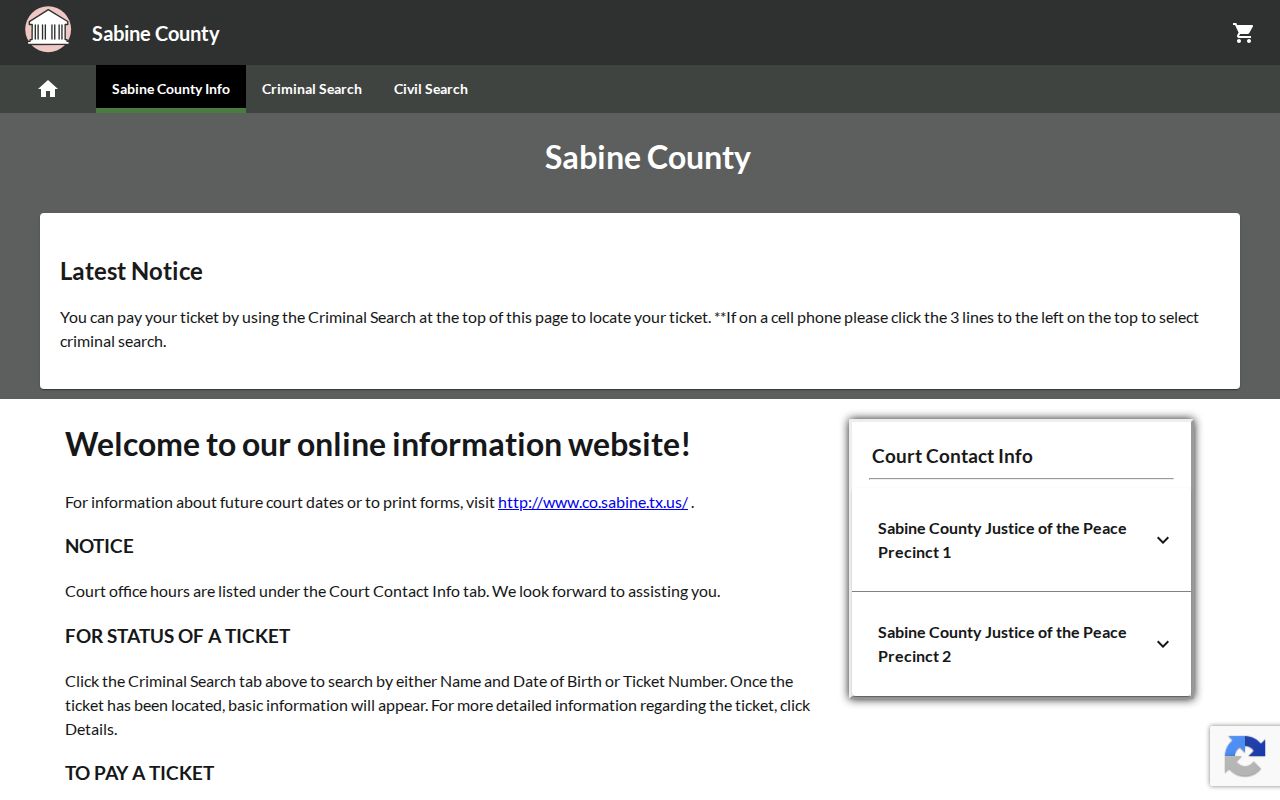
This vendor landing view shows the route, not private-person results or a confirmed warrant roster.
Sabine County JP Warrant Citation Route
The Justice of the Peace page keeps separate contact details for Precinct 1 and Precinct 2 and links “Online Payment of Citations” to GovRec. A citation search can help locate payment information, but the county source does not say that the vendor shows every capias or active warrant.
Start with the precinct printed on the paper. JP1 is at 409-787-3719; JP2 is at 409-787-5248. Ask the clerk what a displayed balance means, whether a court date remains, and how to confirm any warrant action.
The county JP page is the official route to the citation link.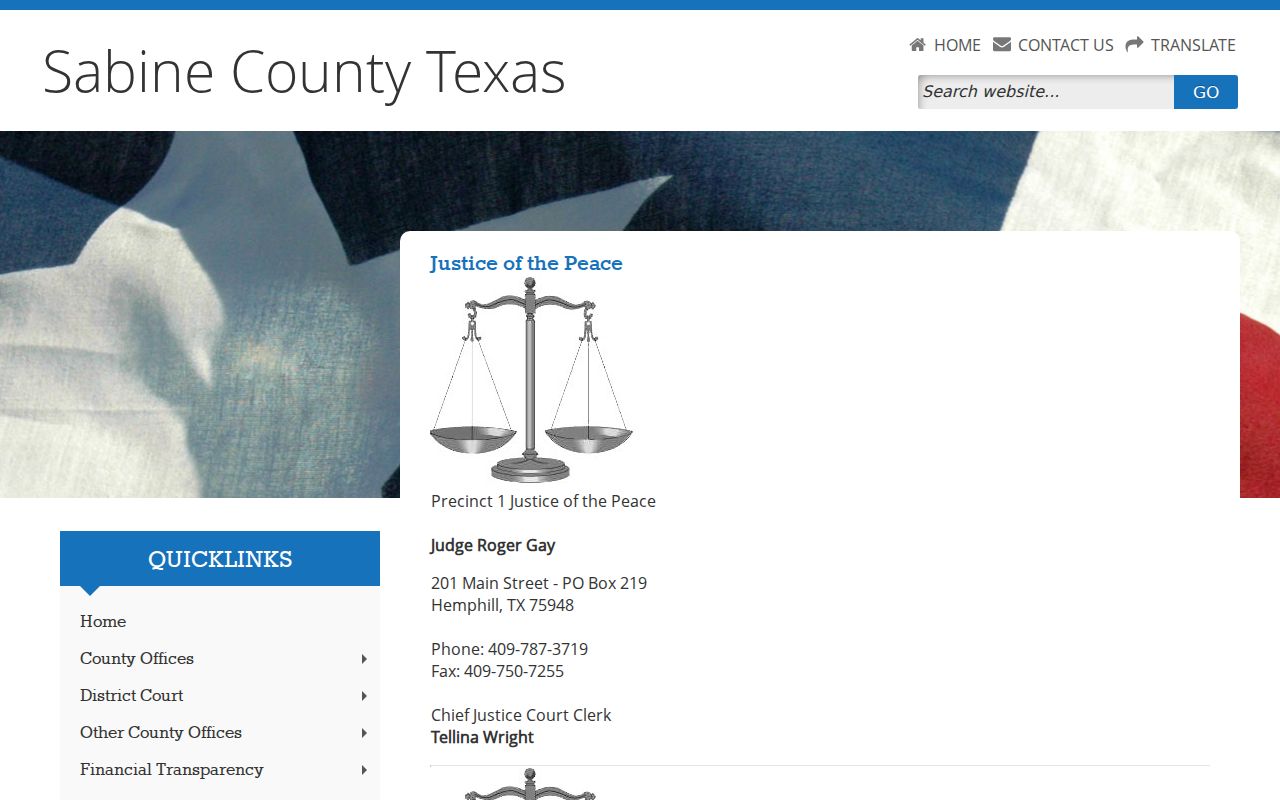
The two precincts share the courthouse address but keep separate court contacts.
Sabine County Warrant Search Results
No public local warrant result page was available to inspect, so the table below is a checklist of fields to ask about, not a promise that Sabine displays them. A number and issuing court help distinguish a similar name from the record that belongs to the case.
| Warrant or case number | Local format not published |
|---|---|
| Process label | Ask if it is an arrest warrant, bench process, capias, or capias pro fine. |
| Issuing court | Name the district court, County Court, JP precinct, or municipal court. |
| Bond or balance | No countywide schedule is posted; ask whether the figure is bond, fine, cost, or more than one. |
| Status date | Ask when the record was checked and whether recall or service has been entered. |
Read any return with the issuing court. “Served” may not close the case, while a payment confirmation alone may not show that a warrant was recalled.
Sabine County Warrant Court Record Holders
Felony case files belong with the District Clerk, which indexes district criminal pleadings. The constitutional County Court has a separate County Clerk and coordinator route. JP1 and JP2 each keep their own lower-court process, while a city citation starts at the relevant municipal clerk.
The county’s District Clerk page lists the Hemphill office and records contact. District court coordinators may be based in Jasper or Center because those courts serve multiple counties.
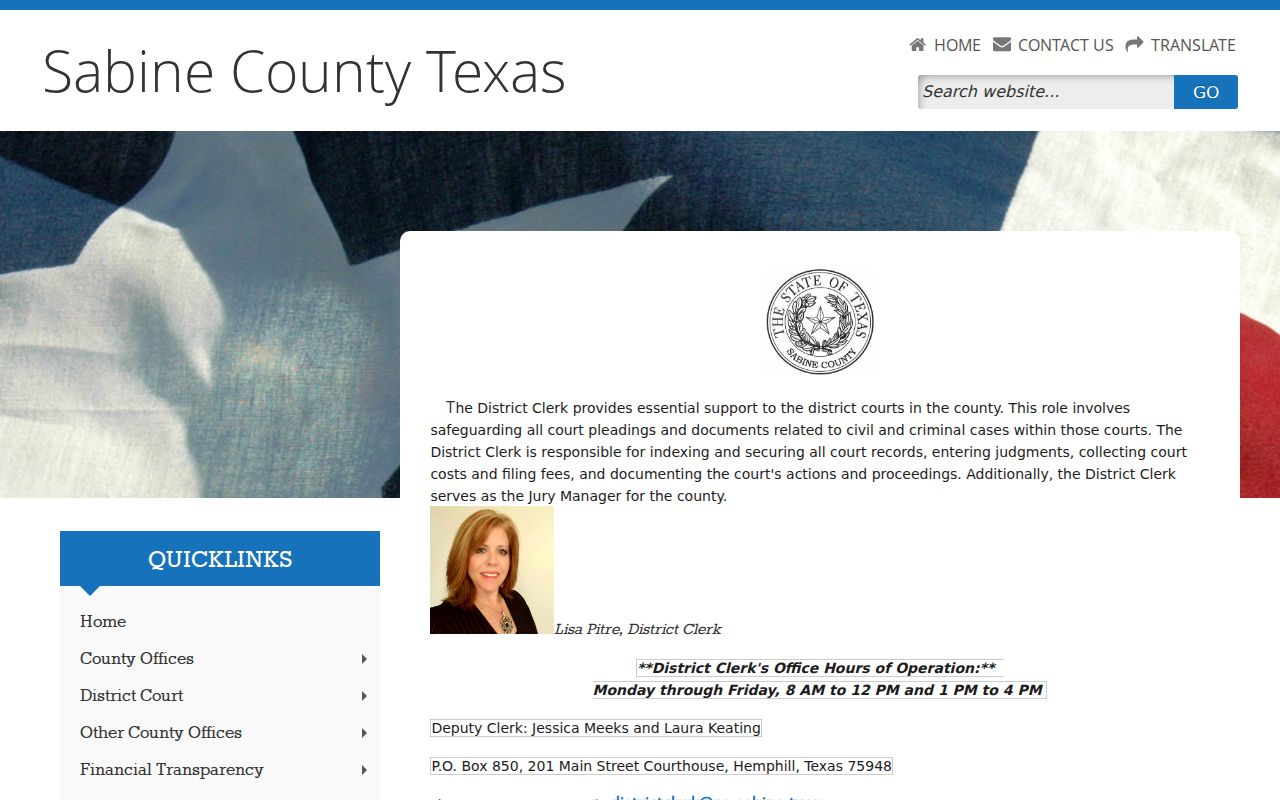
The clerk route helps identify a court file; the court itself confirms current warrant status and next steps.
Where Sabine County Warrants Are Checked
For a district criminal matter, start with the District Clerk or court coordinator. For the constitutional County Court, use the County Clerk/coordinator. A JP citation belongs to the precinct that issued it. Hemphill and Pineland each have municipal-court routes that are separate from the Sheriff’s list.
TCIC and TLETS provide wanted-person information to law-enforcement users. They are not open public search tools. The Sheriff may help with county-held records, but a court clerk remains the best source for its own file and recall decision.
Sabine County City Court Warrant Checks
Hemphill’s municipal court takes calls at 409-787-2251 and lists defendant hours on Tuesday and Thursday, with an appointment option. Pineland routes court questions through City Hall at 409-584-2390 during weekday office hours. Neither city publishes a public warrant roster.
A county Sheriff call is not a substitute for asking the city court about its own ticket. If the paper names a city, confirm the citation status with that court before using a county or state tool.
For JP and city records, the County Clerk page is not the right lower-court office; use the exact court printed on the notice.
Sabine County Restricted Warrant Access
A request for public records does not make every warrant file open. Court-held records use their own access rules, law-enforcement records may be withheld under an exception, and child arrest warrants and related complaints are confidential under Texas Family Code Section 58.010. A search warrant follows a different rule from an arrest warrant.
Key Rules:
Sealed or active-investigation material may not be released in a public response.
Child arrest warrants and supporting complaints have a specific confidentiality rule.
No search result is not proof that no warrant exists in another court or system.
Use the county’s written PIA instructions for Sheriff-held records. Court pleadings should go to the clerk or issuing court. A reader who needs personal legal guidance should contact counsel.
Sabine County Written Warrant Record Requests
The county asks for a written, detailed request. Name the office, record type, and date range; ask for electronic delivery if available and a fee estimate before charges accrue. The county PIA page says Sheriff requests should be mailed or hand-delivered to PO Box 848, while the Sheriff page also displays an open-records email, so call to confirm the accepted route.
Government bodies generally must produce public information promptly or send the required notice when a response needs more time. A court-held warrant may need a clerk request instead of a Sheriff PIA request. Ask the office to identify any exception and provide separable public material.
The Texas Attorney General’s Public Information Act overview explains the request framework.